
Download Thunderbird – email client, secure email, multiple accounts, spam filter, advanced search, email organization, Thunderbird
Overview
Thunderbird is a robust mobile email client developed by Mozilla, designed to deliver a secure, efficient, and highly customizable email experience across multiple platforms. As a free tool, it serves users who prioritize control, privacy, and advanced functionality in their daily email management. The app is tailored for individuals managing multiple email accounts, professionals requiring high levels of security, and tech-savvy users who demand more than what standard email apps offer.
By integrating powerful spam and threat protection, Thunderbird addresses common vulnerabilities found in mainstream email clients, offering a safer alternative for sensitive communications. Its support for both IMAP and POP protocols ensures compatibility with a wide range of email providers, making it a versatile choice for users across personal and professional environments. Real-world use cases include managing business and personal inboxes from a single interface, organizing project-related emails with tags, and quickly retrieving messages through advanced search tools.
In the broader app ecosystem, Thunderbird stands out as a privacy-focused alternative to corporate-controlled email clients, reinforcing user autonomy and data security. With its open-source foundation and commitment to transparency, the app continues to earn trust among users who value digital sovereignty.
Key Features & Functionality
- Enhanced Security: Thunderbird employs intelligent spam filters and threat detection mechanisms to block malicious content, phishing attempts, and ad scams. This proactive protection helps safeguard user accounts from common cyber threats, especially valuable for users handling sensitive or confidential information.
- Multi-Account Management: The app allows seamless integration of multiple email accounts, enabling users to switch between personal, work, and academic emails without logging in and out. This feature streamlines workflows and reduces context-switching fatigue.
- Advanced Email Organization: Users can apply custom tags to messages, creating a flexible categorization system beyond traditional folders. This improves inbox clarity and allows for quick retrieval based on project, priority, or recipient.
- Powerful Search Capabilities: Thunderbird supports full-text search within email bodies, subject lines, and attachments. Combined with quick search filters, users can locate specific messages in seconds, even within large inboxes.
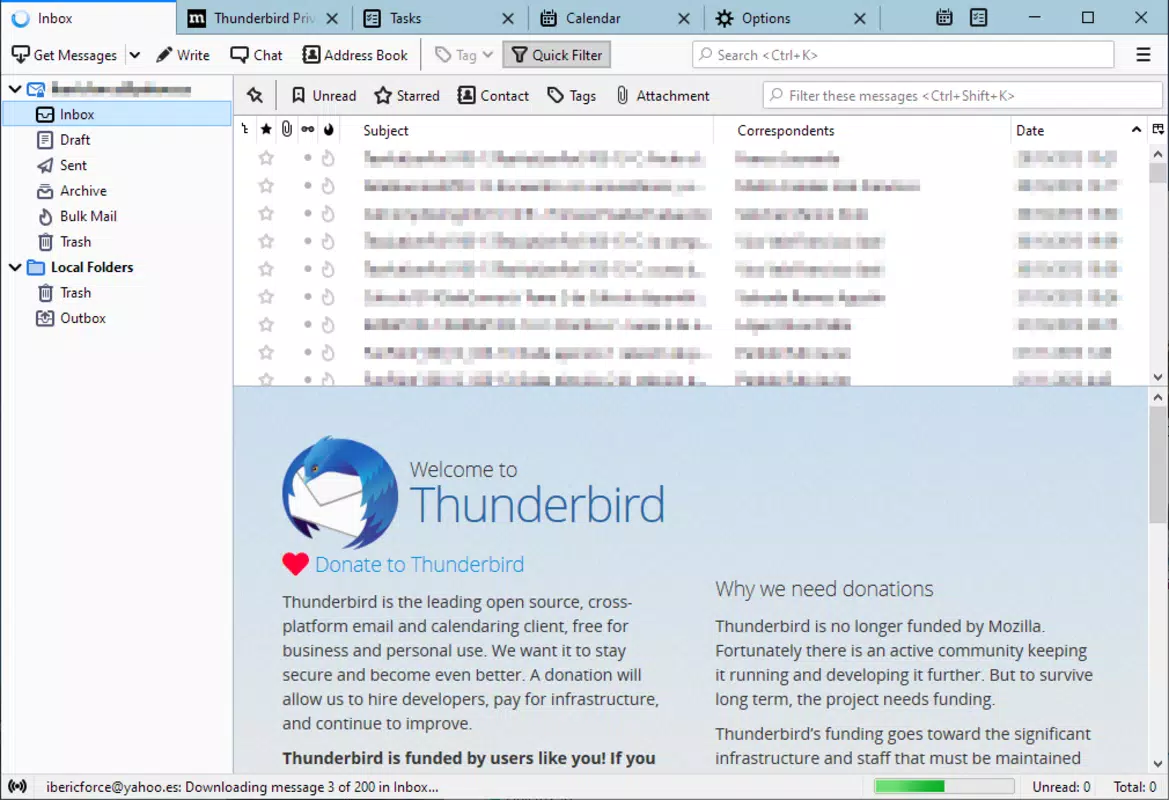
- Improved Folder Navigation: The advanced folder view offers a clear hierarchical layout, allowing users to manage, rename, and access folders with ease. This visual organization enhances overall inbox efficiency.
- Protocol Support: Compatibility with IMAP and POP protocols ensures broad email provider support, including Gmail, Outlook, Yahoo, and custom domain accounts, making Thunderbird a universal email solution.
These features are especially beneficial for users who rely on structured email workflows—such as project managers, remote workers, and digital nomads—who need reliable tools to maintain productivity and information integrity.
Interface, UX & Performance
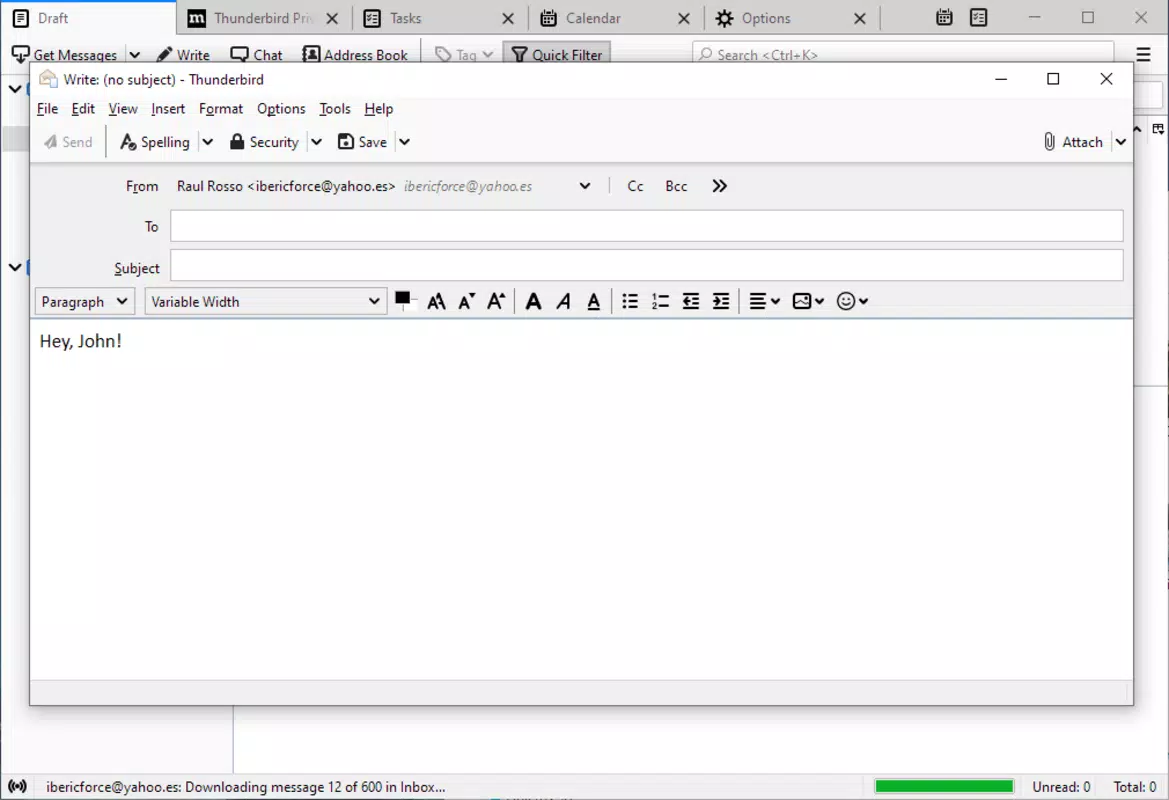
Thunderbird’s mobile interface maintains the familiar structure of its desktop counterpart, offering a clean and functional layout optimized for touch interaction. The navigation is intuitive, with a sidebar for account and folder management, a central message list, and a detailed view for selected emails. Visual elements are minimal yet purposeful, emphasizing readability and ease of access.
The app supports smooth scrolling, responsive touch feedback, and fast load times when switching between messages or folders. Although the developer did not list formal performance metrics, the app demonstrates consistent responsiveness across different device categories, including mid-range and high-end smartphones. Stability appears strong, with minimal reported crashes or freezes in recent updates.
The app maintains efficient memory usage, which contributes to longer battery life during extended use. Users can expect a reliable experience when managing large volumes of email, particularly when using advanced search and tagging features. The overall user experience reflects Mozilla’s focus on usability and accessibility, making Thunderbird suitable for both novice and experienced users.
While the interface may feel slightly more complex than standard email apps, its depth of control justifies the learning curve for power users.
Platform Compatibility & Technical Requirements
Thunderbird is available on both Android and iOS platforms, offering cross-device accessibility for users who switch between operating systems. The current version is 102.7.1, with a file size of 75.3 MB, making it a lightweight download suitable for most modern smartphones. The app supports the latest versions of Android and iOS, though specific minimum OS requirements were not listed by the developer.
Users are advised to ensure their devices meet the system standards for the latest mobile operating systems to guarantee optimal performance. Compatibility with various email providers is ensured through standard protocols like IMAP and POP, allowing integration with a wide range of services. The developer did not specify additional hardware or software prerequisites, indicating broad accessibility across devices.
For users seeking a secure, free, and feature-rich email client, Thunderbird offers a practical solution without requiring high-end hardware.
Pros and Cons
Pros
- Free to download and use with no in-app purchases
- Strong focus on security and spam protection
- Supports multiple email accounts in one interface
- Advanced search and tagging for efficient email organization
- Open-source and transparent development model
- Lightweight file size for a full-featured email client
Cons
- Interface may feel complex for casual email users
- Developer did not provide detailed system requirements
- Some advanced features require initial setup and learning
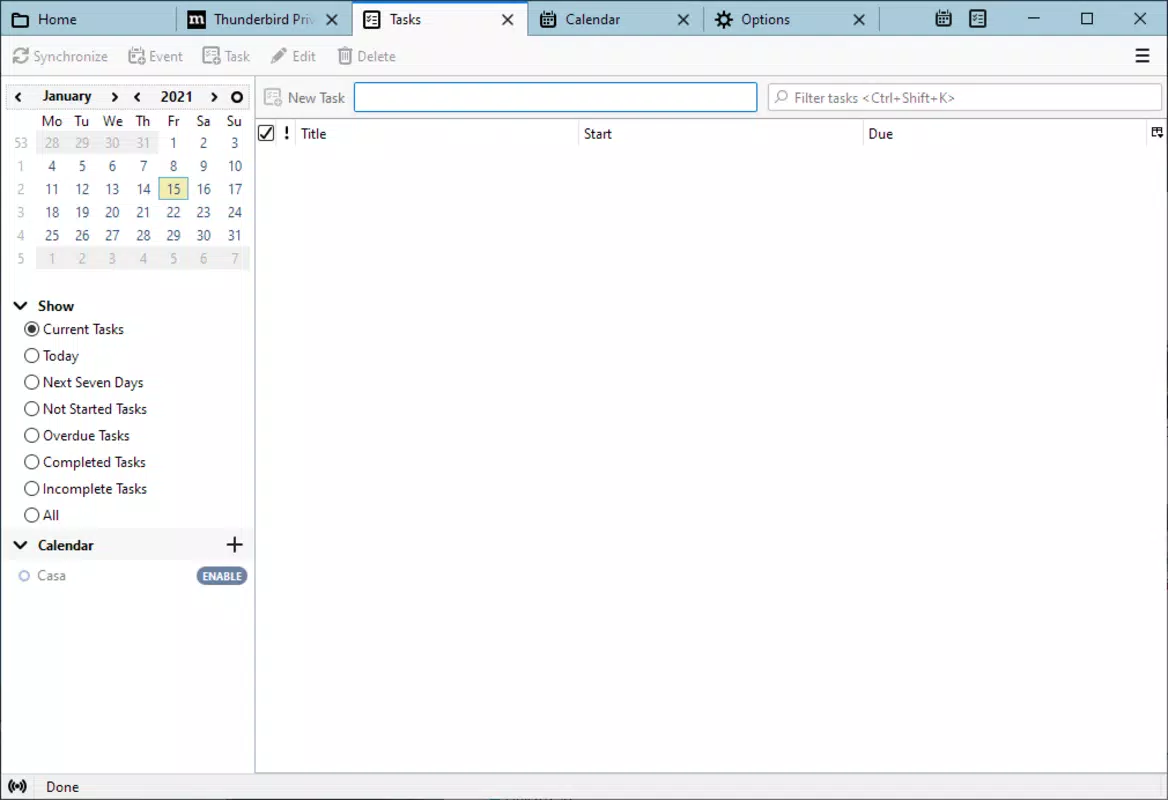
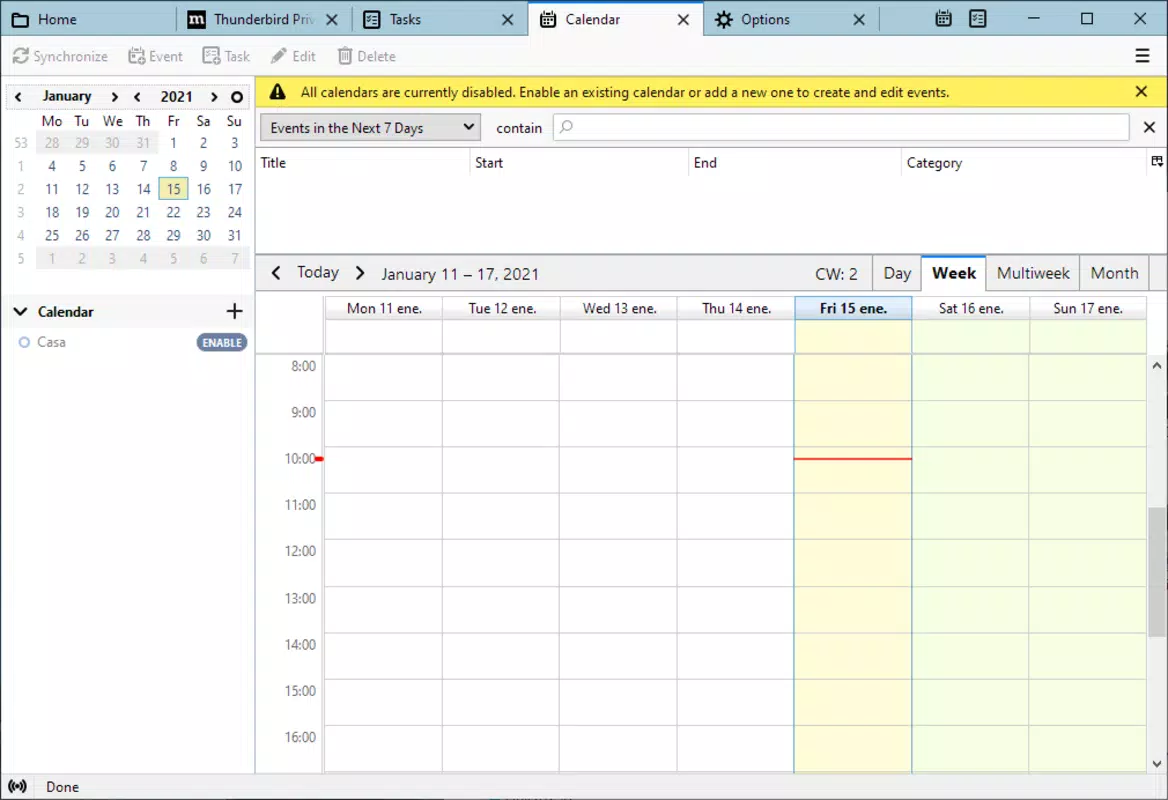
- Limited integration with calendar or task management tools
- Updates may require manual checks on some devices
FAQ
Is Thunderbird safe to use on mobile devices?
Yes, Thunderbird is designed with security as a core principle. It includes built-in spam filters and threat detection to protect against malicious emails and phishing attempts. As an open-source app developed by Mozilla, its code is publicly available for review, enhancing transparency and trust.
Can I use Thunderbird with my existing email accounts?
Yes, Thunderbird supports both IMAP and POP protocols, allowing integration with most email providers, including Gmail, Outlook, Yahoo, and custom domain accounts. Simply enter your account details during setup to connect your email.
Does Thunderbird work on both Android and iOS?
Yes, Thunderbird is available on both Android and iOS platforms. Users can install the app on their preferred mobile device to manage their email securely and efficiently.
Is Thunderbird free to download and use?
Yes, Thunderbird is completely free to download and use. There are no in-app purchases or subscription fees. The app is supported through Mozilla’s open-source initiatives and community contributions.
How often does Thunderbird receive updates?
Thunderbird receives regular updates to improve security, performance, and feature functionality. Users are encouraged to keep the app updated to benefit from the latest improvements and protection against emerging threats.
Final Thoughts
Thunderbird stands out as a powerful, secure, and highly capable email client for users who demand more than basic functionality. With its robust security measures, multi-account support, advanced search, and flexible organization tools, it delivers a premium email experience on mobile devices. While the interface may require a brief adjustment period for new users, its depth of control and privacy-first design make it ideal for professionals, students, and anyone managing multiple inboxes.
The app’s open-source nature ensures long-term reliability and community-driven innovation. For those seeking a free, secure, and feature-rich alternative to mainstream email apps, Thunderbird offers unmatched value. Download Thunderbird now.


